
Plan
Decisions you can read later.
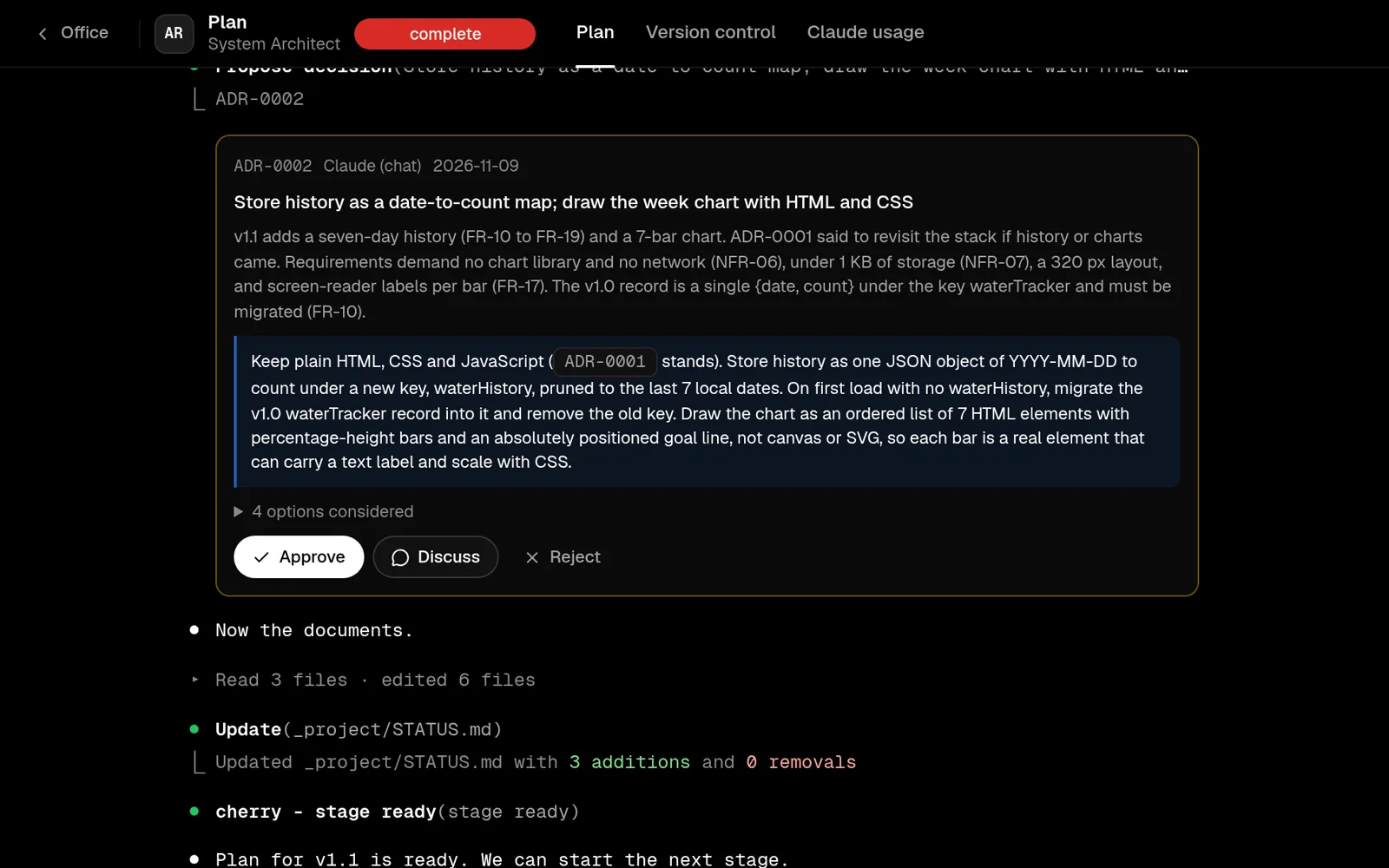
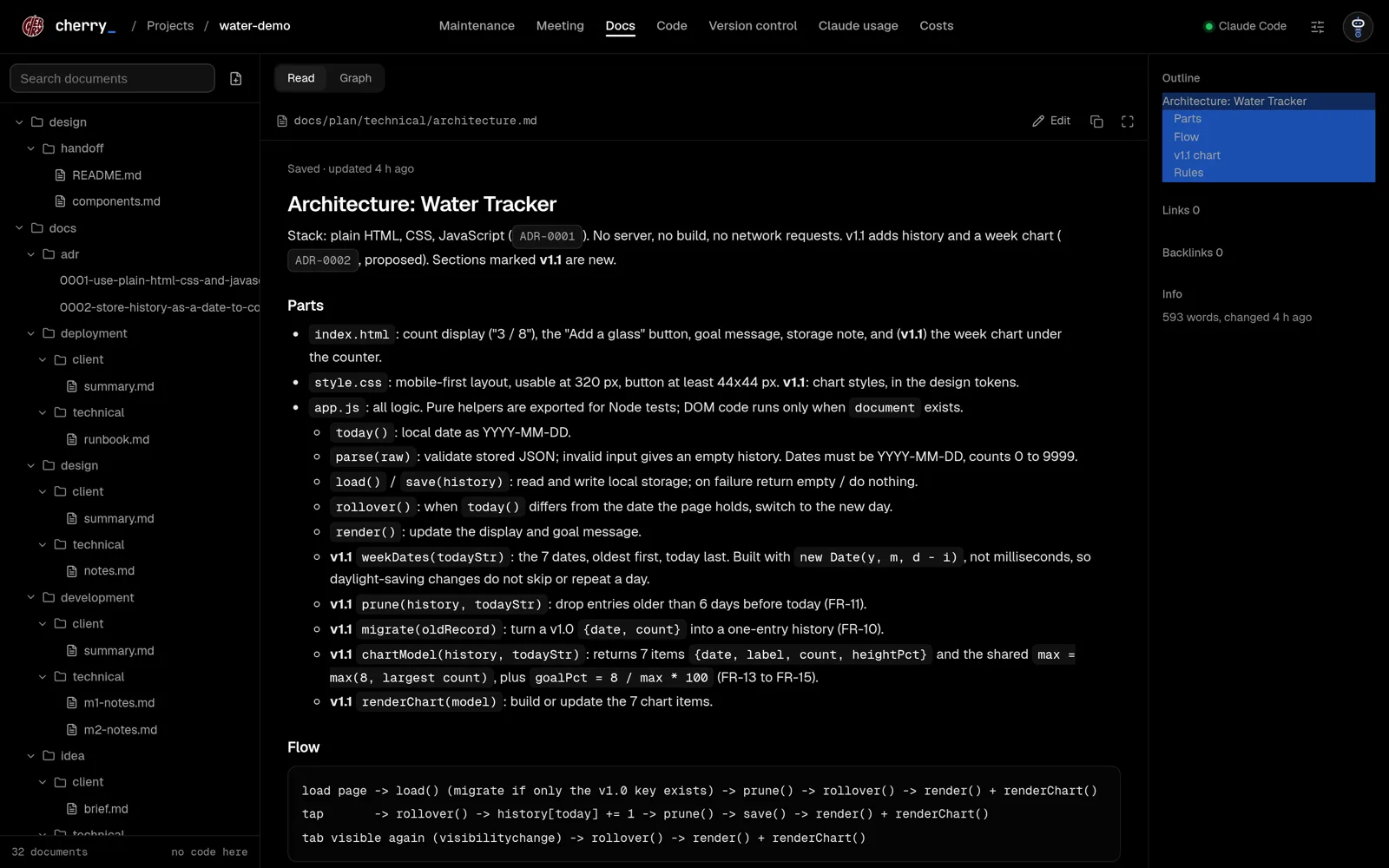
The architect writes the architecture, the data model and the roadmap. Every real choice becomes an ADR card: the options, the trade-offs and a recommendation. You approve, discuss or reject it.
Claude Code, with a plan.
Cherry turns Claude Code into an office that works the way real teams ship software. An analyst, an architect, a designer, developers, QA and DevOps, each in their own room. Every stage is signed off before the next one opens. On your machine, on your plan.
A chat with an AI goes straight to code. Real teams do not work that way. They write down what the client needs, agree on a plan, draw the screens, build it in small tested steps, check it, and ship it with a runbook. Each step is reviewed before the next one starts.
Cherry gives Claude Code that process. Each stage has its own agent with its own persona, skills and documents. The documents are files in your repo, so the next agent, a client, or you in six months can read them.
A stage opens when the one before it is signed off: by your client on a client project, by you on a personal one.
Business Analyst
A brief and a plain summary of what to build and for whom.
System Analyst
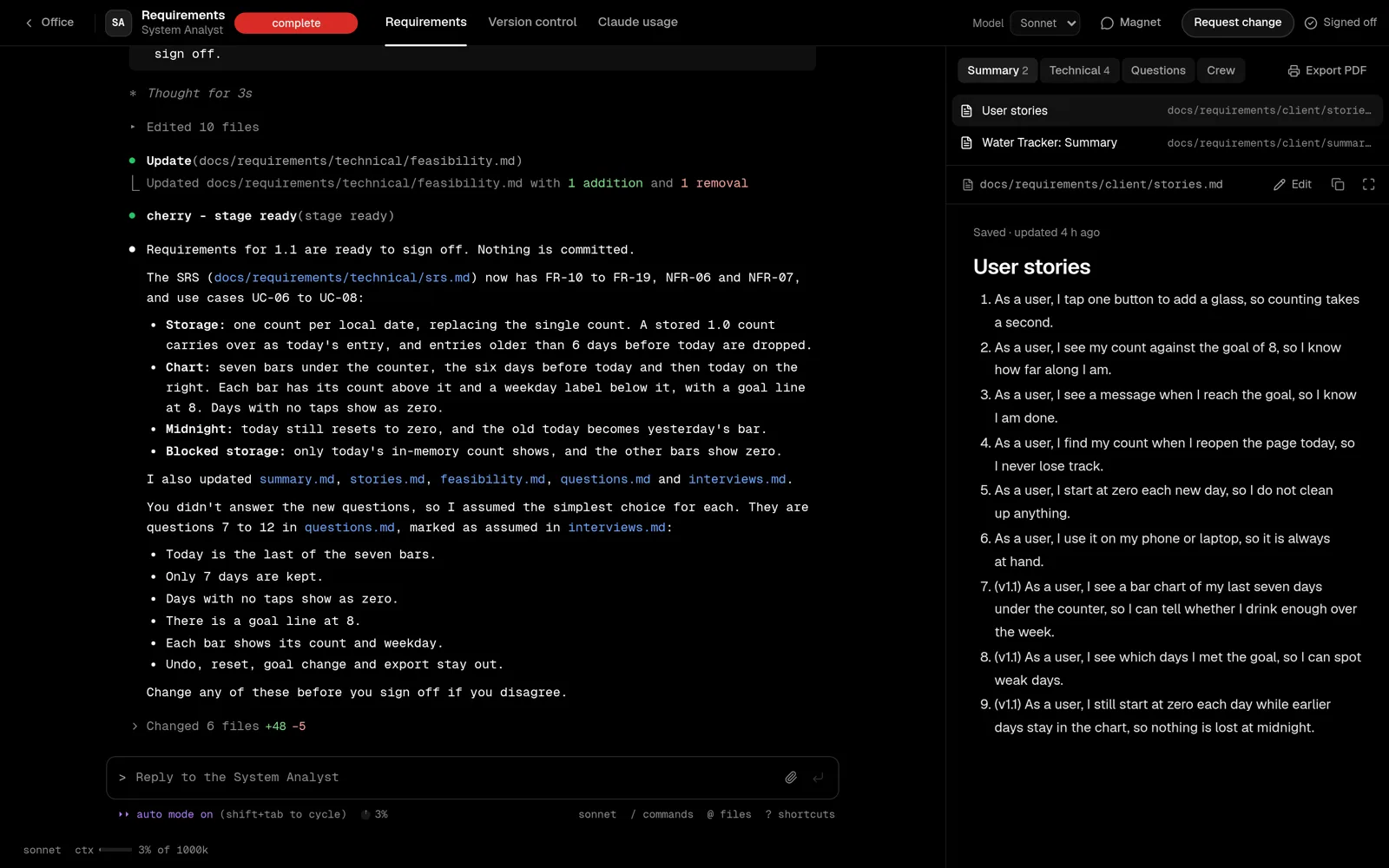
User stories, an SRS, feasibility, and questions for the client.
System Architect
Architecture, data model, roadmap, test notes, and an ADR for every choice.
UI/UX Designer
Screens on a canvas, tokens, a handoff, and an accessibility check.
Development Team
A prototype for approval, then the build, test first, with a code review.
QA Engineer
Test runs, bugs as issues, an acceptance list, and a security review.
DevOps Engineer
The release, the changelog, a tag and a runbook. Then the project is live.
The whole office
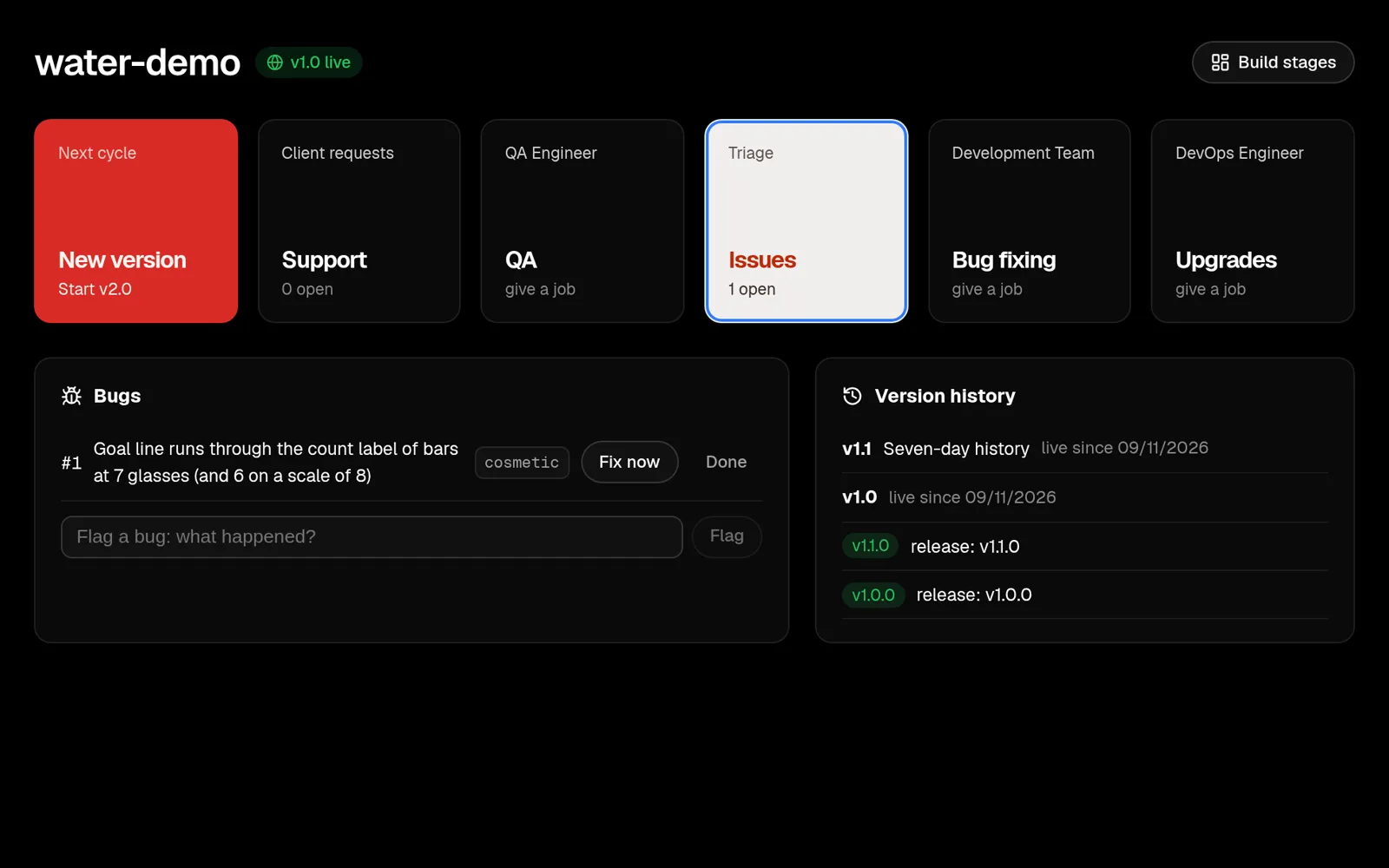
Support, issues, QA, bug fixes, upgrades, and New version for the next cycle.
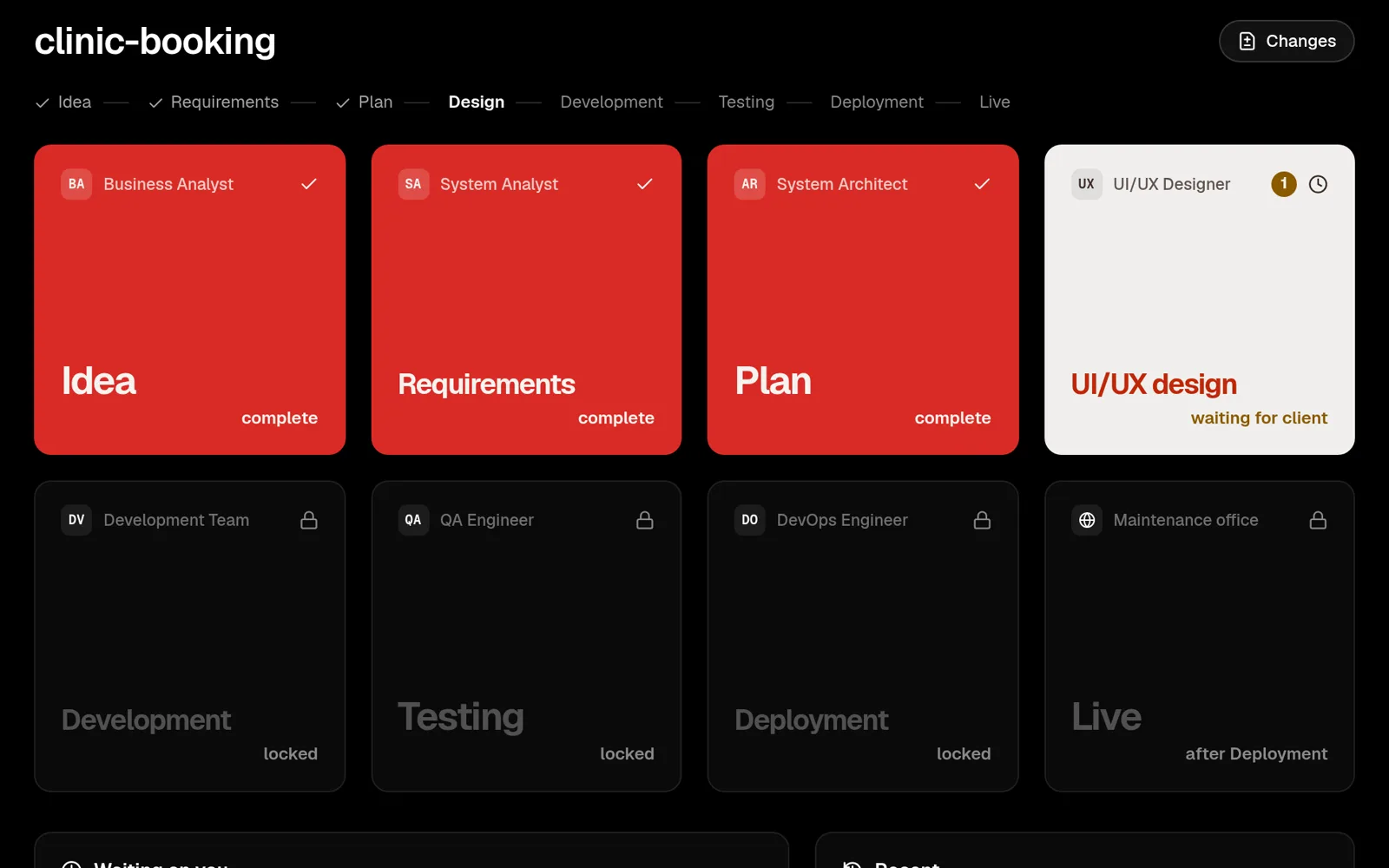
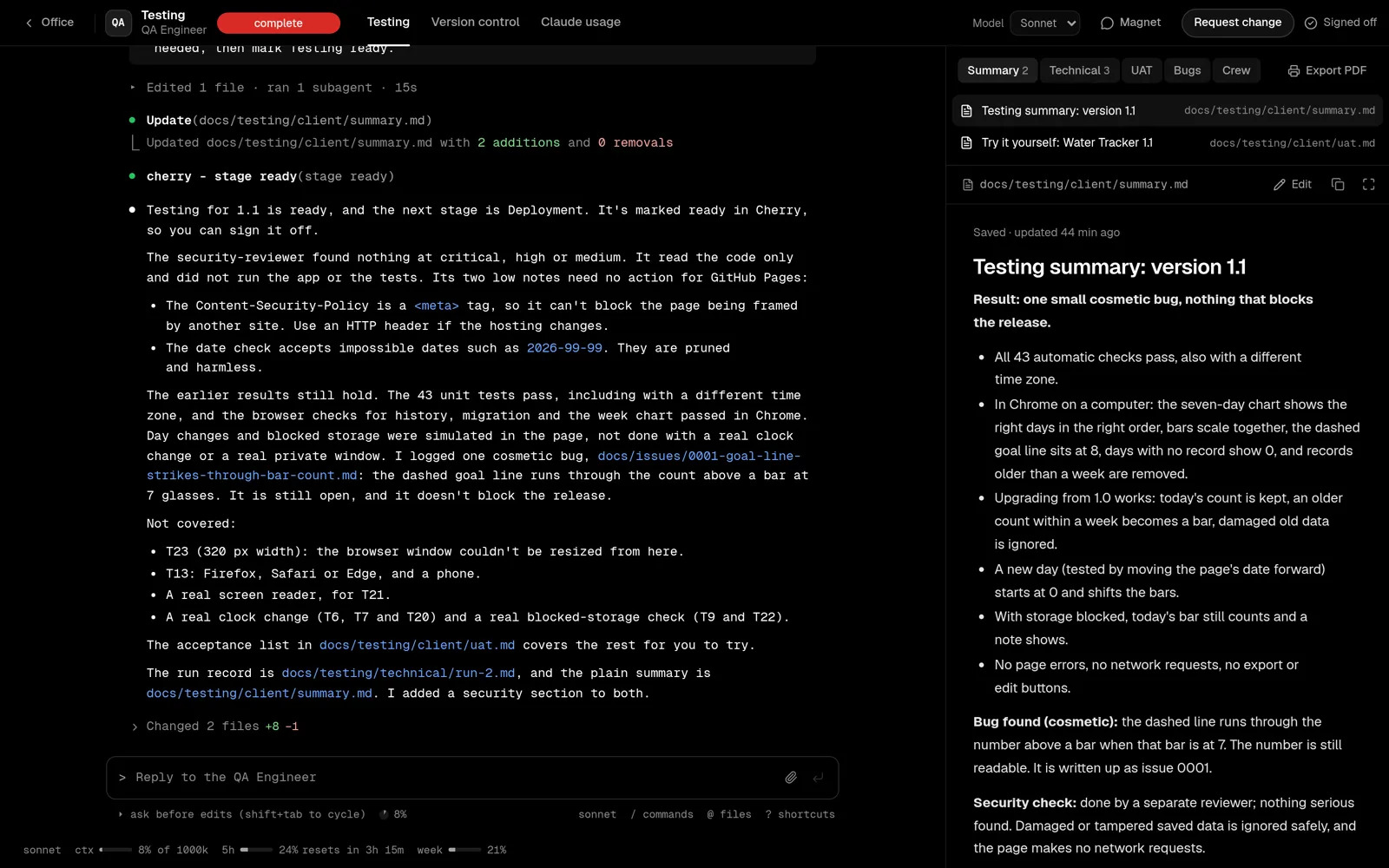
The agent's chat in the Claude Code look on one side, its documents on the other: a plain version for the client, a technical one for the next agent.
Plan
The architect writes the architecture, the data model and the roadmap. Every real choice becomes an ADR card: the options, the trade-offs and a recommendation. You approve, discuss or reject it.
Design
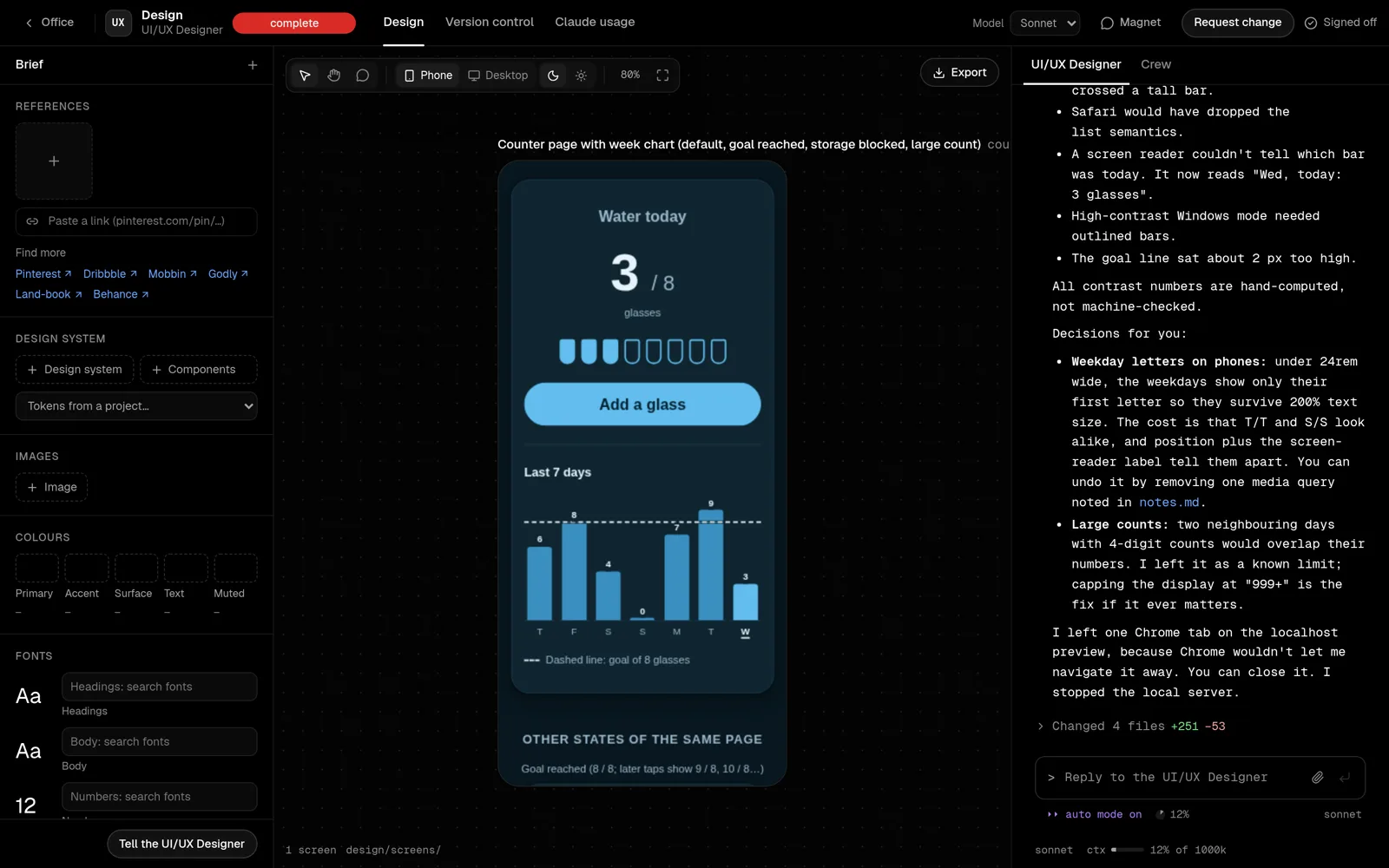
The designer draws real HTML screens on a canvas: phone and desktop, light and dark, every state. Add references, a design system, colours and fonts in the brief. Sign-off writes the handoff for Development.
Development
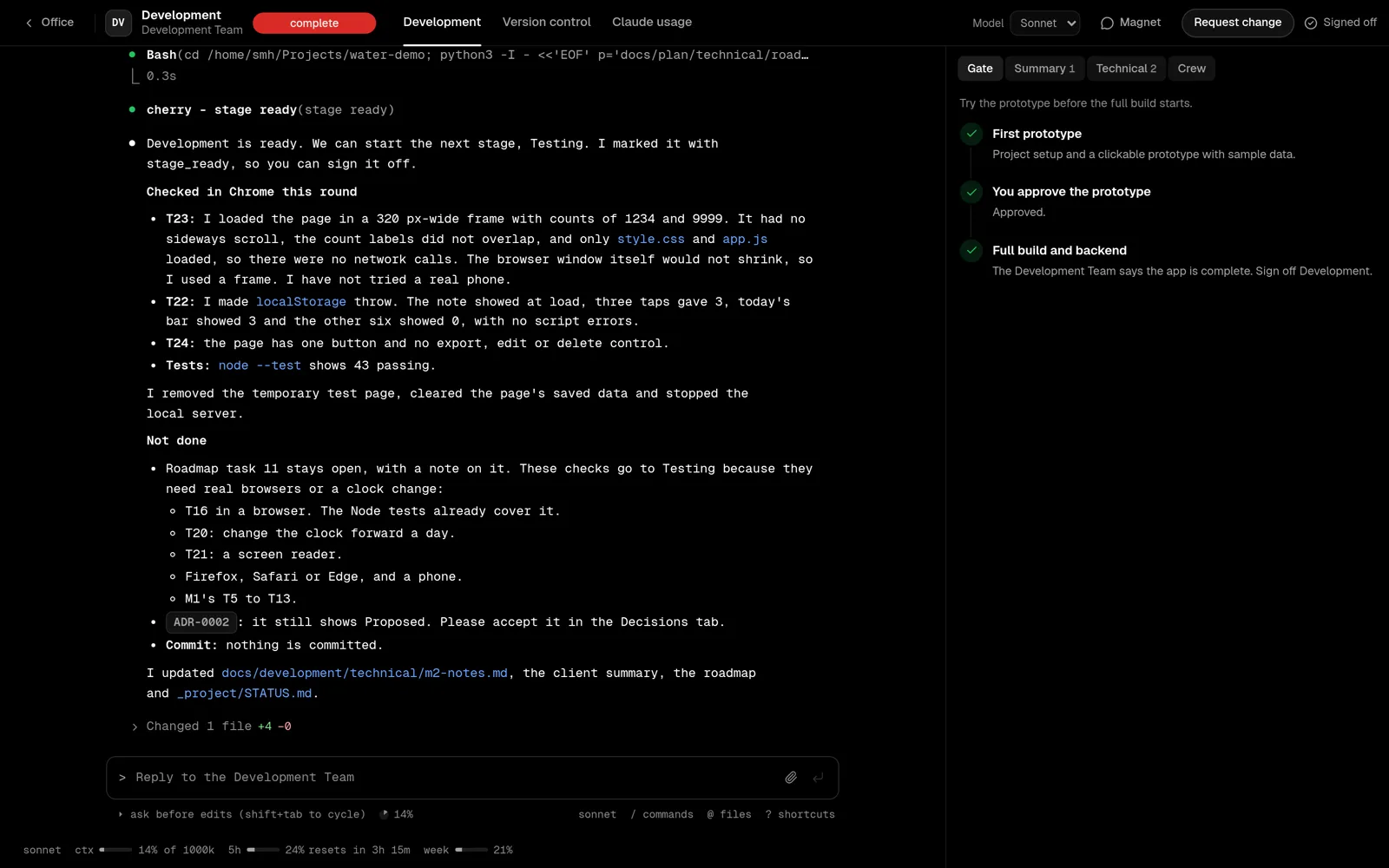
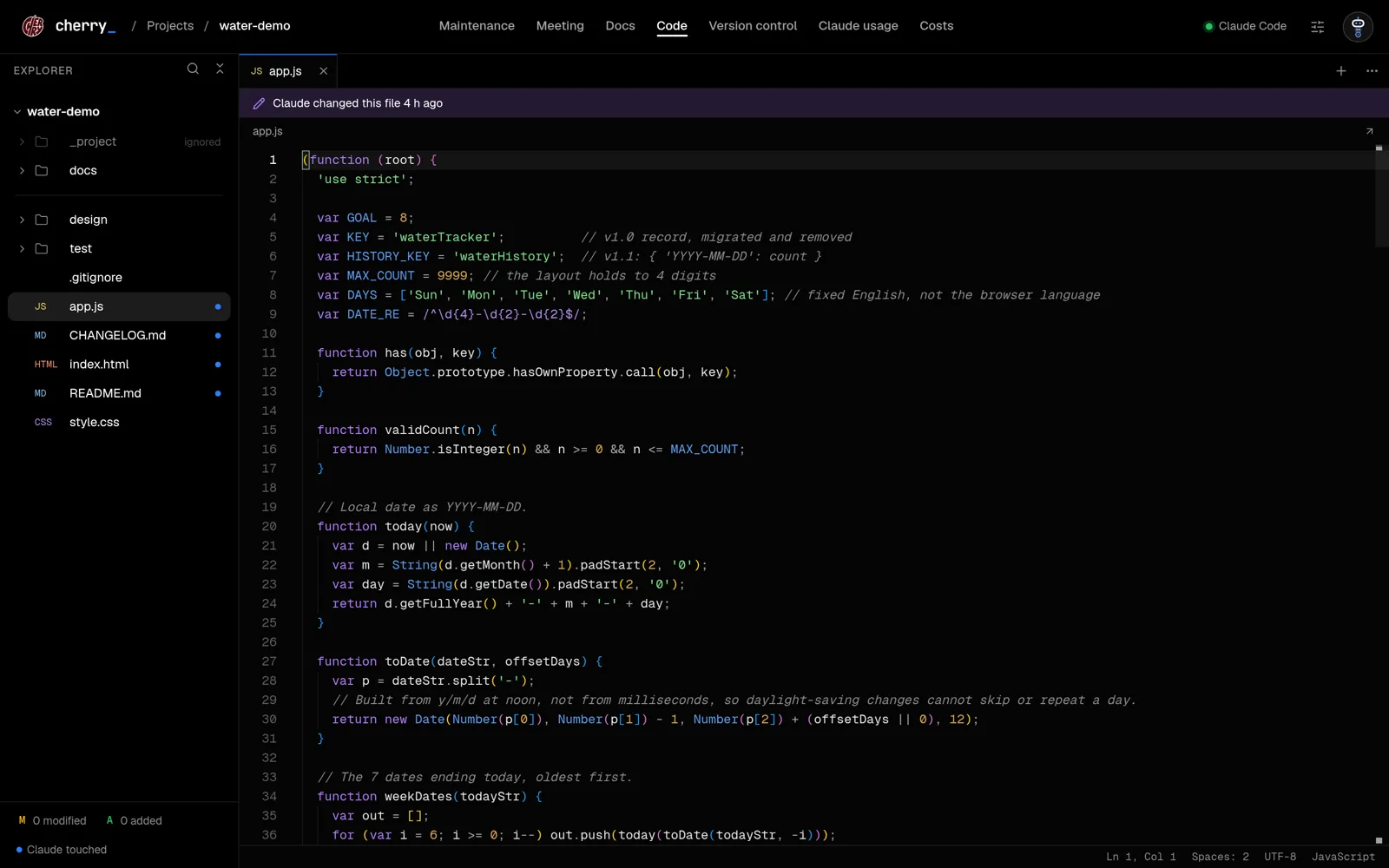
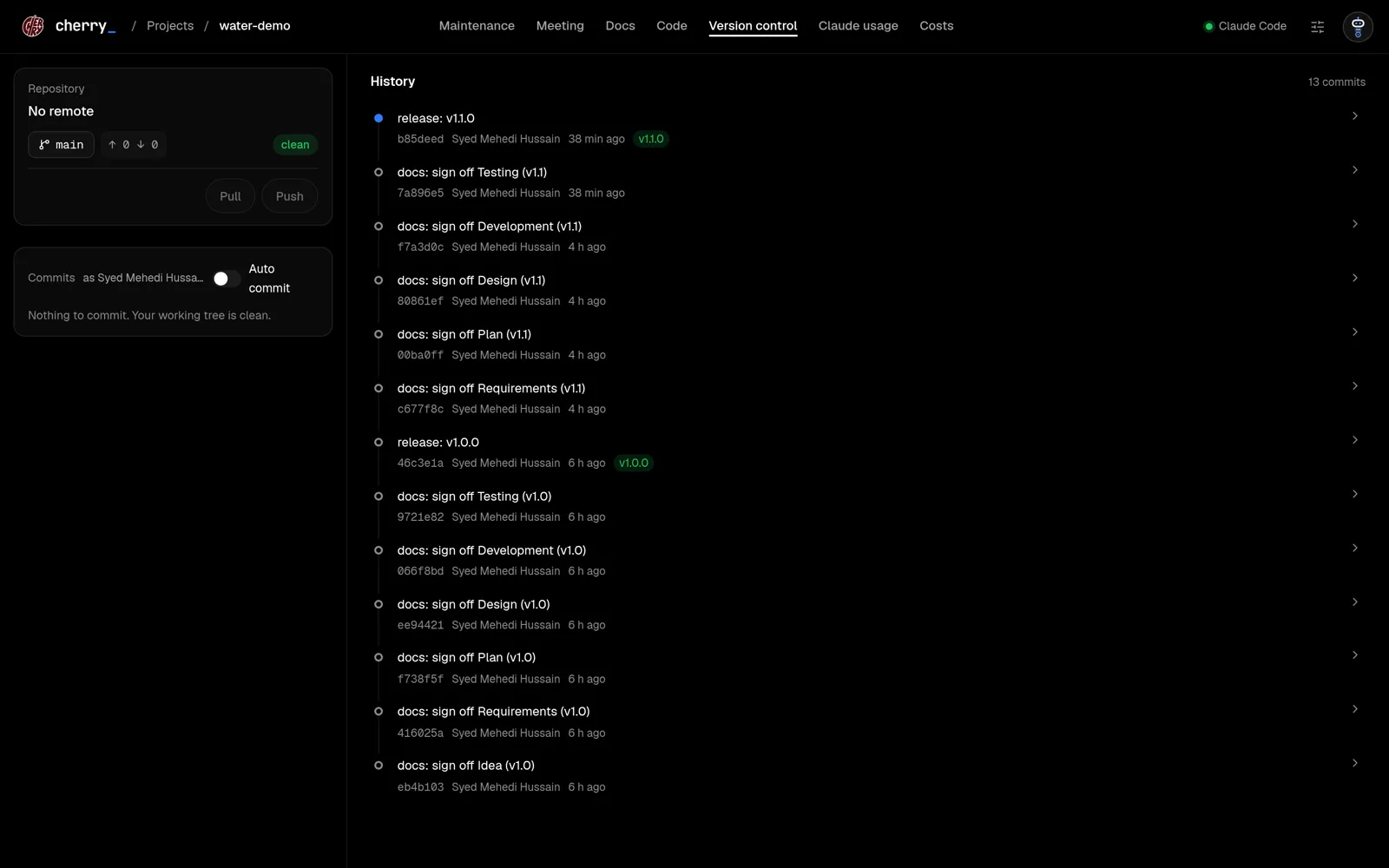
The Development Team builds a clickable prototype and waits for your approval. Then it builds the rest, tests first, checks it in the browser, and hands it to Testing. Code, terminal and version control are one tab away.
Testing
QA runs the test plan, opens the app in Chrome, logs bugs as issues and writes a summary in plain words with an acceptance list for you to try. Client documents export as a PDF.
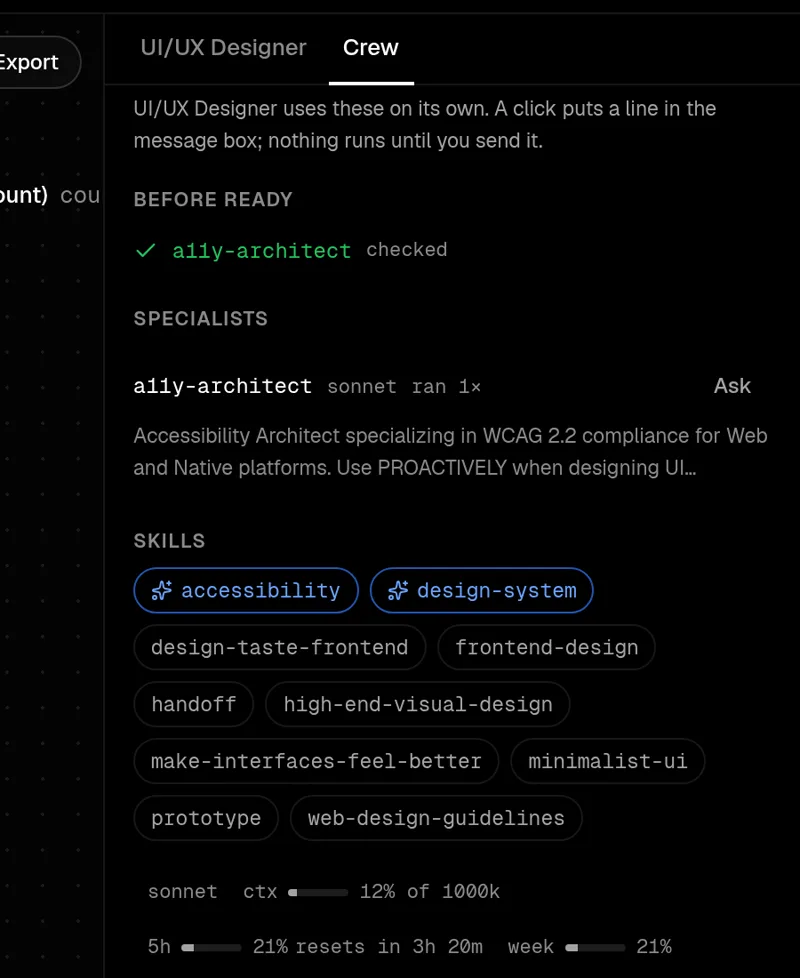
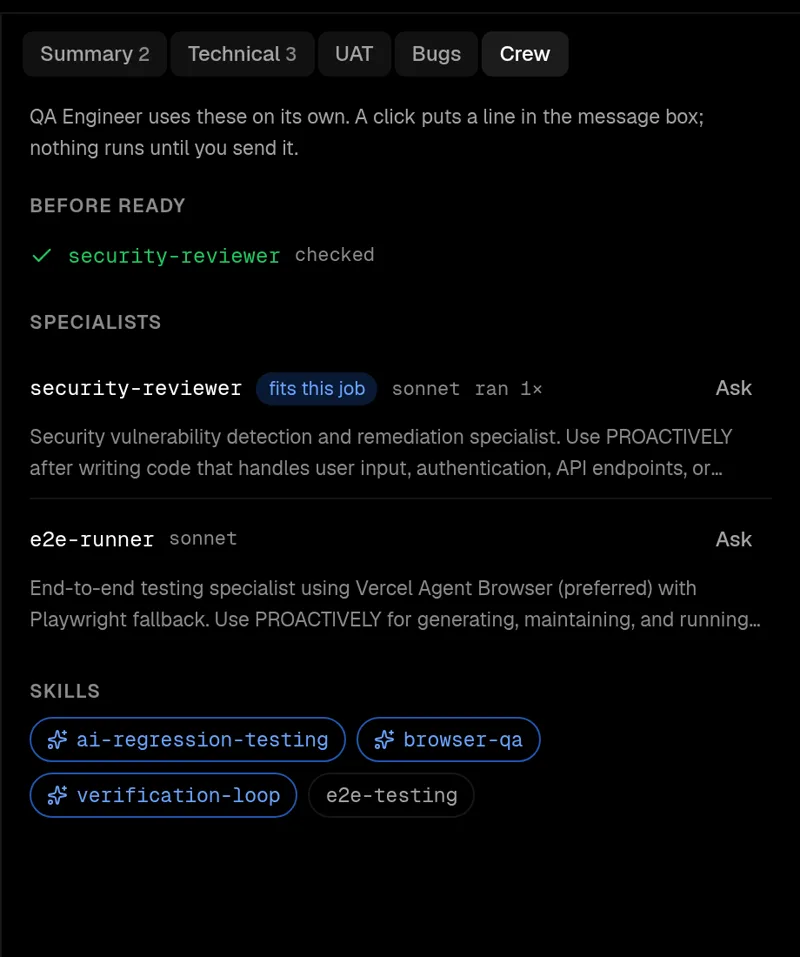
Each room has specialist agents and skills of its own. The staff agent hands them the work, the way a lead asks a reviewer.
From a real run
A seven-day history for a small web app, through all seven rooms on Sonnet. The accessibility specialist found five problems in the design. Development wrote the tests first and ran two reviewers on its own. QA's security review cleared the release.
Client projects get what clients expect: sign-offs, change requests, documents and an invoice.
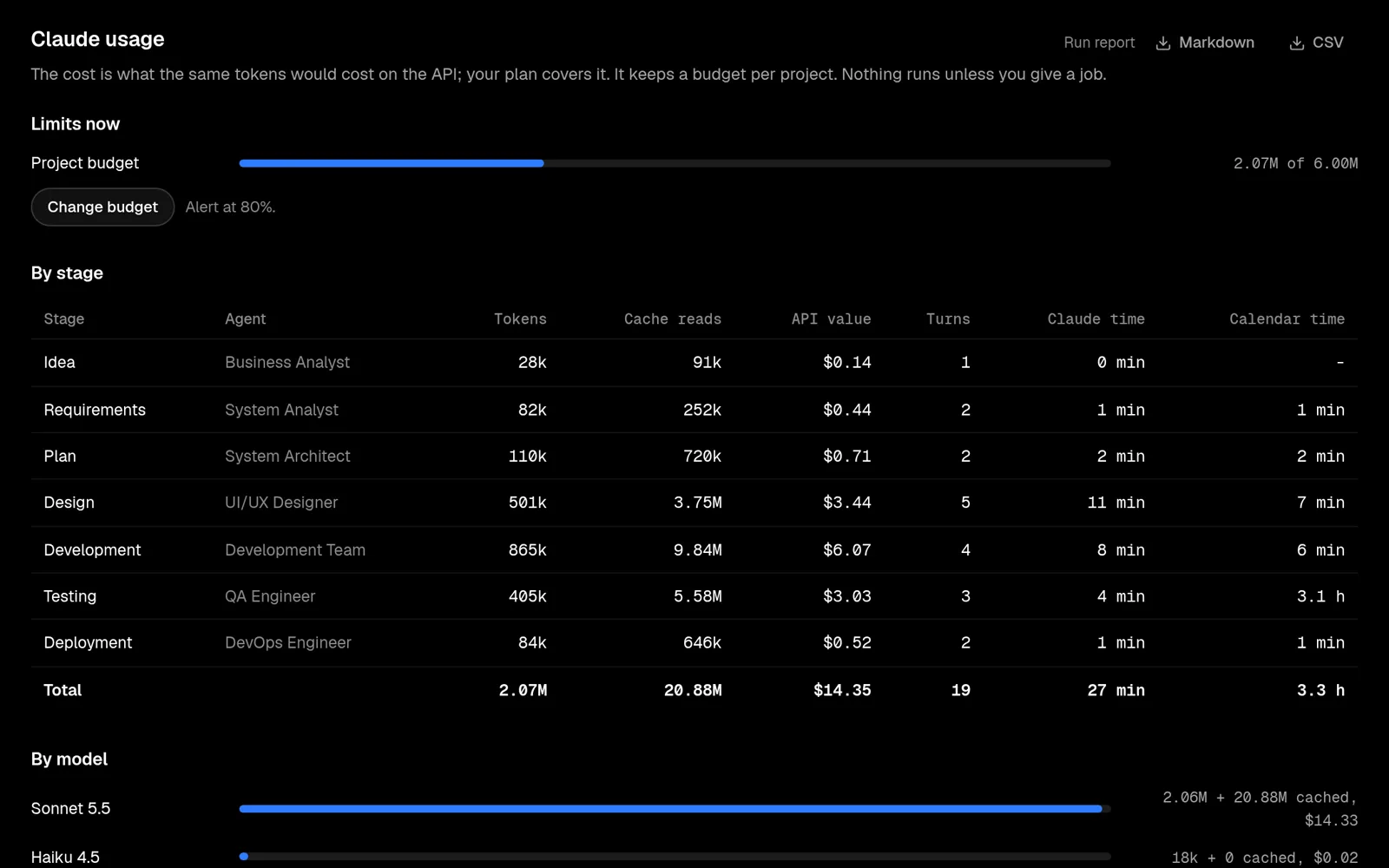
Tokens, cache reads, API value and time for every room, a token budget per project, and a run report as Markdown or CSV.
Every stage's plain summary, ready to send.
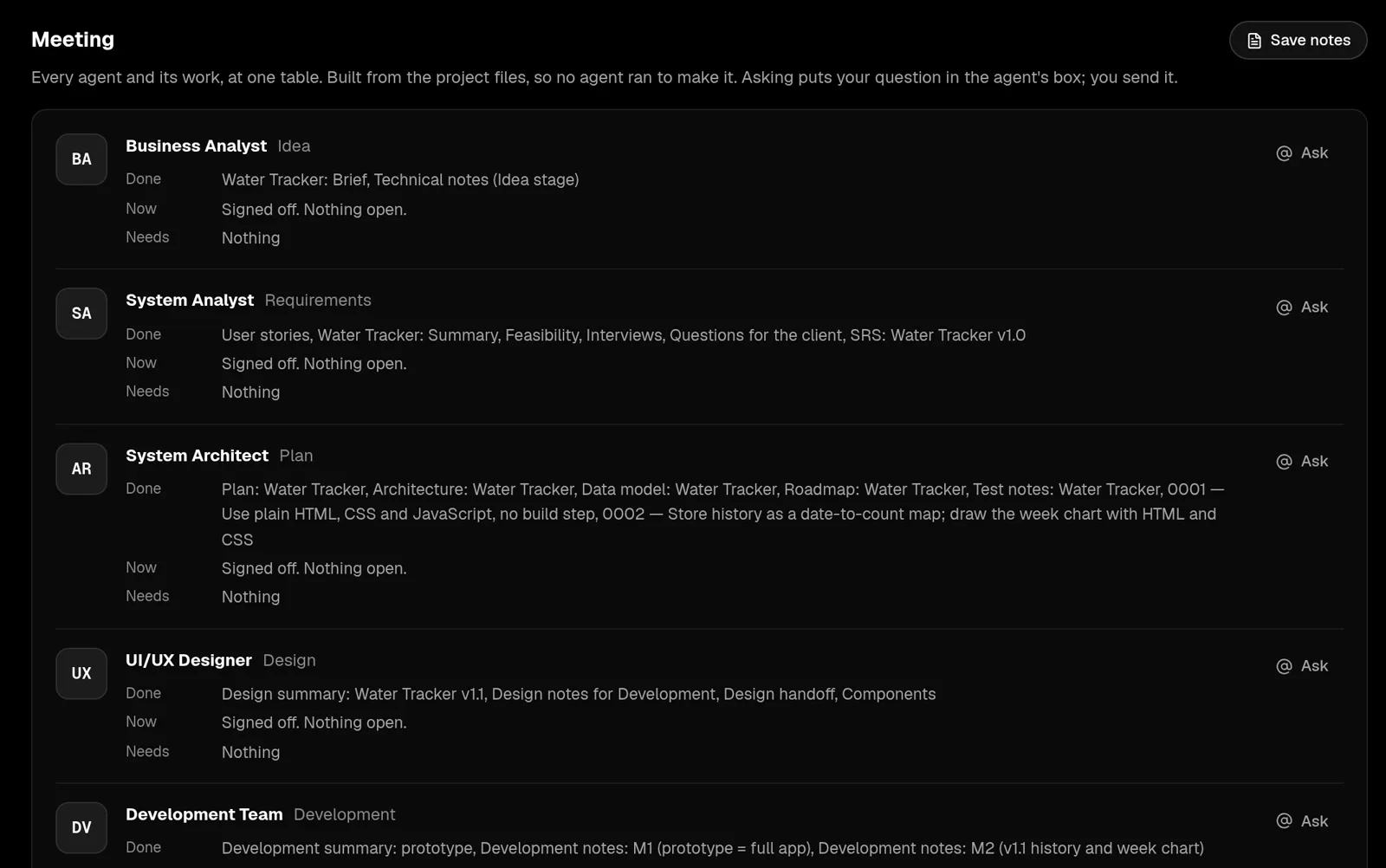
Every agent's work at one table: done, now, needs. Built from files, free.
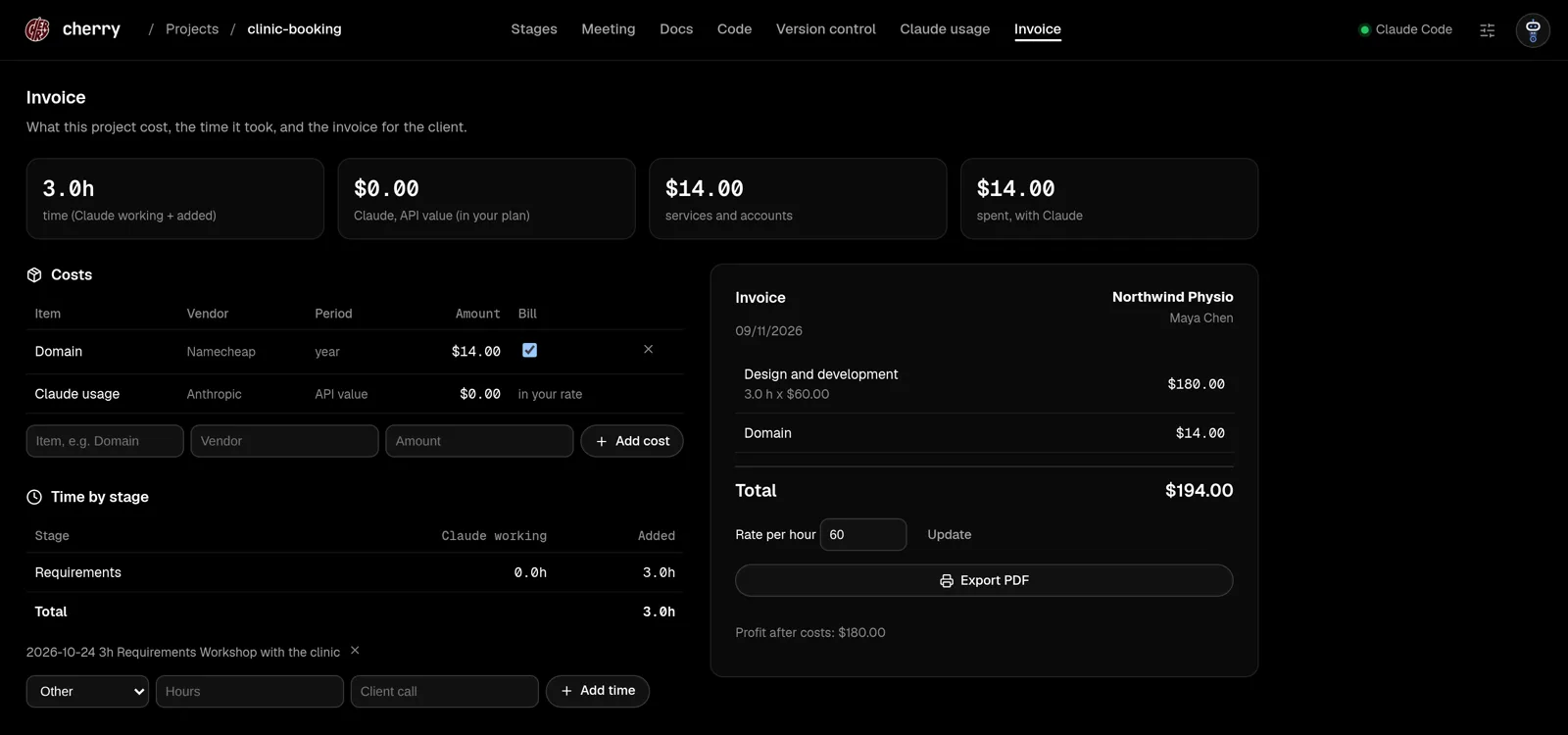
Claude's working time and yours, services and accounts, billable or not, and the invoice at your rate.
Client sign-offs with names and dates, questions for the client, change requests, PDF documents, time and costs, and an invoice. The paperwork a client project needs, written as you go.
The same stages on your own ideas; you sign off yourself. Plans and decisions stay in the repo, so a project you left for a month tells you where it stands.
See how software is really made: an SRS, ADRs, a test plan, a release runbook. Each written by an agent in the role that writes it, and readable next to the code.
Approval cards for edits and commands, every model call on your click, and a token budget per project. Claude does the typing; you make the decisions.
The daemon binds 127.0.0.1. Every request needs a session from a one-time login link.
Edits and commands wait for your approval, or run in Auto mode when you choose it. Serious commands always ask with a warning.
.env files, keys and credentials are never read. File tools cannot leave the project.
Every model call starts from your click. Meeting, hints and change summaries cost no tokens.
Linux today. You need Claude Code signed in, git, and mise or Node 22 with pnpm. The GitHub CLI is optional.
The repo also ships a Claude Code skill, so Claude can install and run Cherry for you.
git clone https://github.com/syedmehedihussain/cherry.git
cd cherry
mise install && pnpm install
./scripts/install-cli.sh
cherry